Your customers put their own text, art, and placement on your real products in live 3D — then hand you a finished design with the production files already attached. Branded as you, hosted by us.
Each demo is its own module on one deployment, so a link can carry any combination of them — and the ones a recipient was not sent are not reachable from theirs.
In the browser
What it looks like running
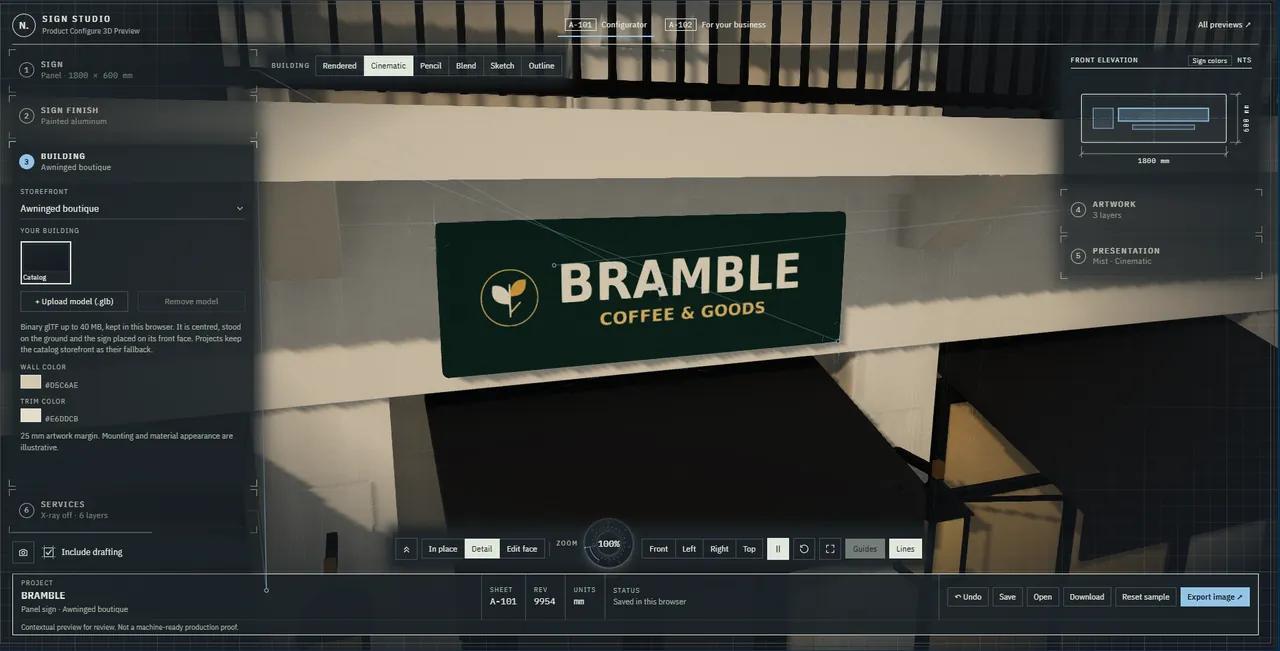
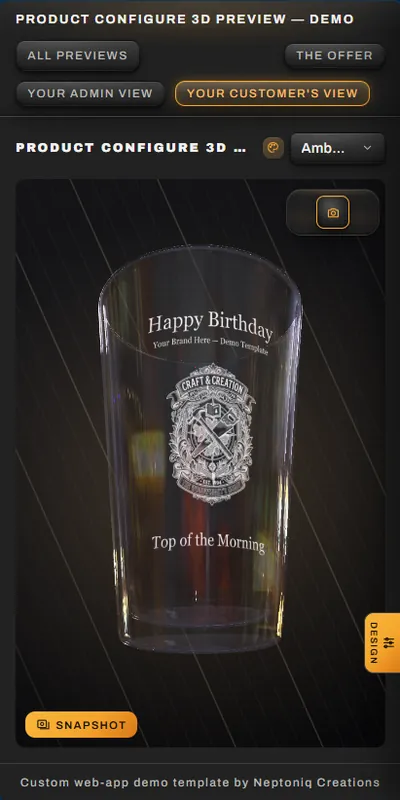
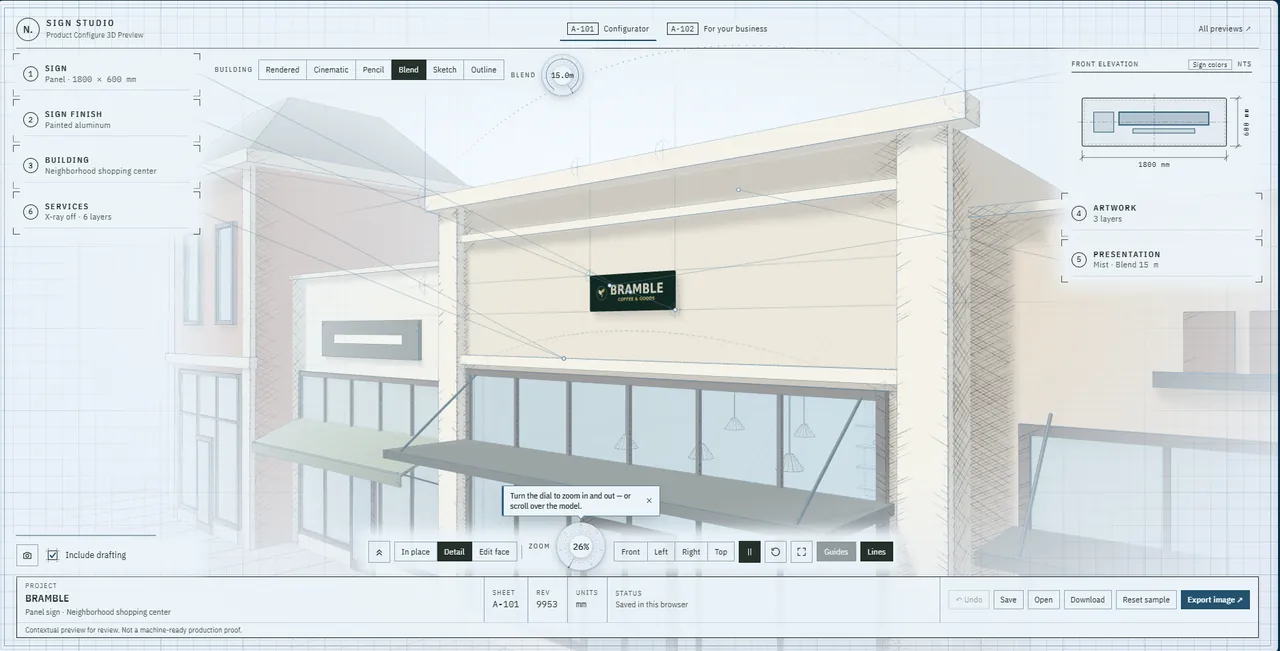
Signs · CinematicA measured panel sign in place on an awninged boutique, in the cinematic render.Glassware · PhoneThe same studio on a phone.
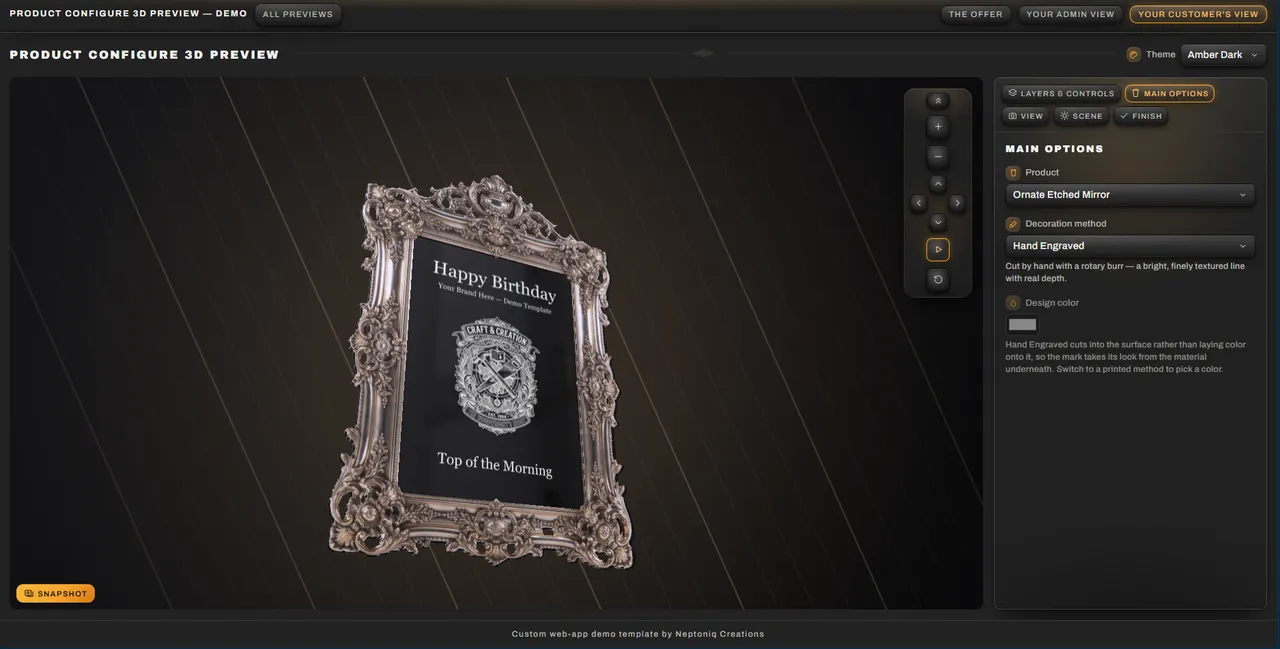
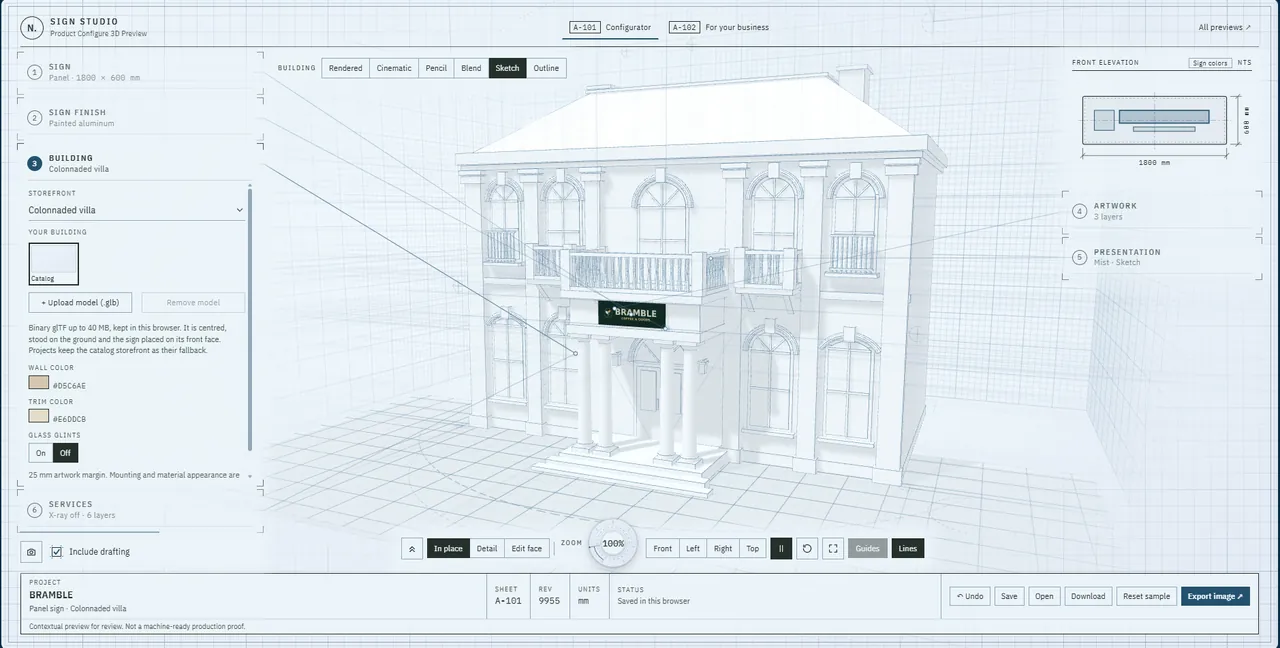
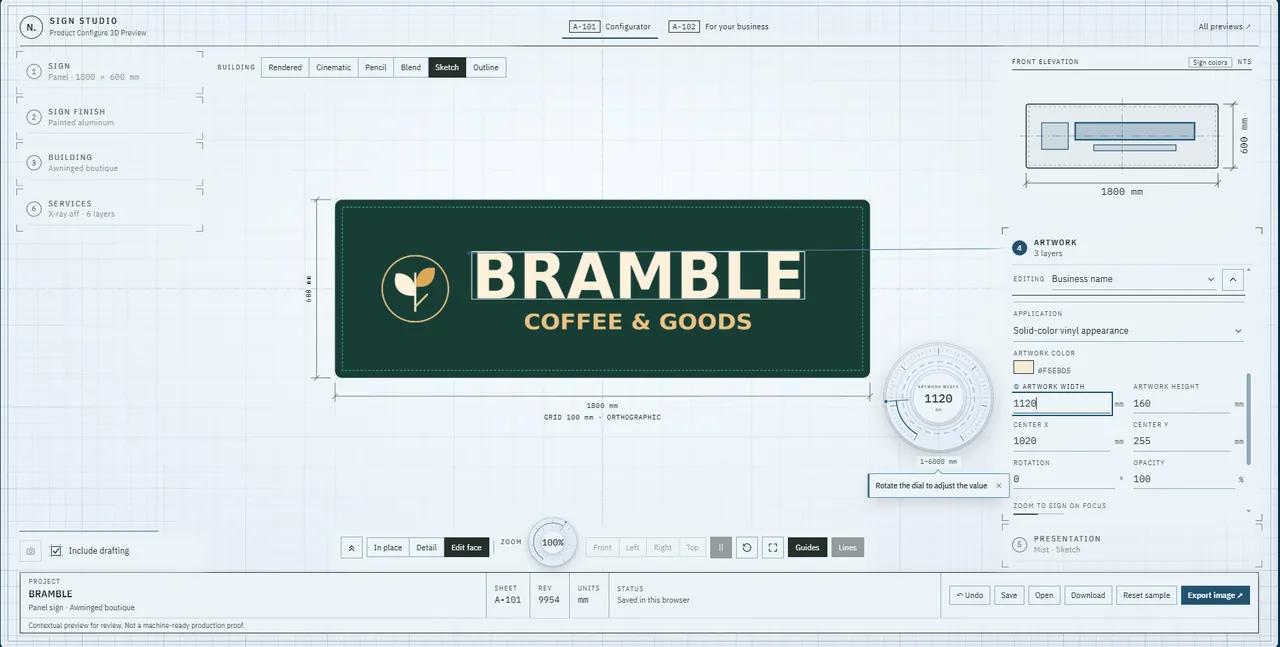
Glassware · EngravingHand-engraved artwork on an ornate mirror.Signs · SketchA colonnaded villa drawn as a sketch, the sign on its front face.Signs · BlendA neighborhood shopping center, half drawing and half render.Signs · ArtworkSizing the lettering on the measured panel.
The customer
What a customer actually does
Type it and see it
Their own words, in the fonts you allow, wrapped on the real curve of the product — not previewed on a flat rectangle and hoped for.
Bring their own art
A logo, a crest, a photo. Every upload becomes a mask the same way your bench would treat it, so what they see is what abrades.
Place it exactly
Layers, size, and position to the design pixel, including deliberately off the edge. Fine placement is a normal request, not an error.
Turn it over
Live 3D with real materials and lighting. Etched reads as etched and printed reads as printed, because the finish drives the material.
Shipping with 3 models — Stemless Wine, Pint Glass, Ornate Etched Mirror — and swappable for any other product line: the catalog is one file.
The handoff
What reaches your bench
Mockup render
The product as the customer saw it, backdrop and all. What goes on the order confirmation and the approval email.
mockup.png
Flat art plate
The artwork alone, unwrapped and at production resolution — black on white, the way a stencil or a burn file wants it.
art-plate.png
Spec sheet
A printable work order: product, method, and every layer with its position, size, and font. What goes on the bench beside the job.
spec-sheet.png
Cut path (SVG)
Closed vector outlines, one group per design layer, for art software and most laser front-ends. Traced from the design at 4× the design square — text included, no font file needed.
cut-path.svg
Everything here is real output from a real pipeline — but on the details it is guessing. Sizes, tolerances, file formats, layer naming, and what belongs on a work order are sensible defaults we picked, not your shop’s. Getting documents your bench can actually work from means going through it together: what your jobs need specified, what your machines expect, what your team already reads without being told. Then running real designs through it a few times and correcting what comes back wrong. That part is the work — what this shows is that the pipeline is there to point at it.
This is a demo, so it hands off one item as one bundle. In a real integration, each item on an order gets its own itemized folder — its design record, the views chosen for it, and its production files together — so an order for several pieces arrives already sorted, one folder per piece.
Integration
How it lands on your site
One DNS record
On your own subdomain
The studio runs at studio.yoursite.com, branded as you, and your product pages link to it. Nothing on your existing site changes.
The trade-off Customers leave your site to design, and come back by link — fine for a considered purchase, weaker for an impulse one.
One snippet we install
Embedded in your product page
The studio drops into the page your customers already visit, styled to your brand, and hands the finished design back to your store.
The trade-off Needs a small addition to your theme, which we maintain — theme updates can disturb it, so it is something we look after rather than set and forget.
A project, with phases
Built into a new storefront
We rebuild the storefront around the customizer, so designing is the main path through the site rather than a detour off it.
The trade-off The largest piece of work here, and the one that pays back slowest — worth it when the custom product is the business, not a side line.
Partnership
Where it can go
01
The studio, branded and live
This customizer, carrying your products, your fonts, your finishes, and your look, reachable from the site you already have.
Your product line modeled and framed
Your brand, colors, and typography
Hosted and maintained by us
02
Designs that reach your bench
The finished design stops being a screenshot in an inbox and becomes a record your shop can work from — with the production files attached.
Designs routed into your orders or your inbox
Mockup, art plate, and spec sheet per job
Machine-ready cut paths for laser and rotary
03
The storefront around it
The rest of the site rebuilt so the customizer is the path through it, with the pages, copy, and search presence that bring people to it.
Storefront rebuild with the studio at its center
Search and AI-answer presence
Analytics on what customers actually design
04
The systems behind it
Intake, quoting, scheduling, and the internal tooling your shop runs on — built as you need them, not all at once.
Quoting and intake tooling
Production scheduling and job tracking
Ongoing support and iteration
Standing still at any rung is a valid outcome. Each phase is useful on its own, which is what makes this a partnership rather than a funnel.
Next step
Tell us what you'd want it to do
None of the above is a fixed package. If your shop needs something this demo does not do — a product we have not modeled, a finish we have not built, an integration with the tools you already run — that is the conversation, not an obstacle to it.